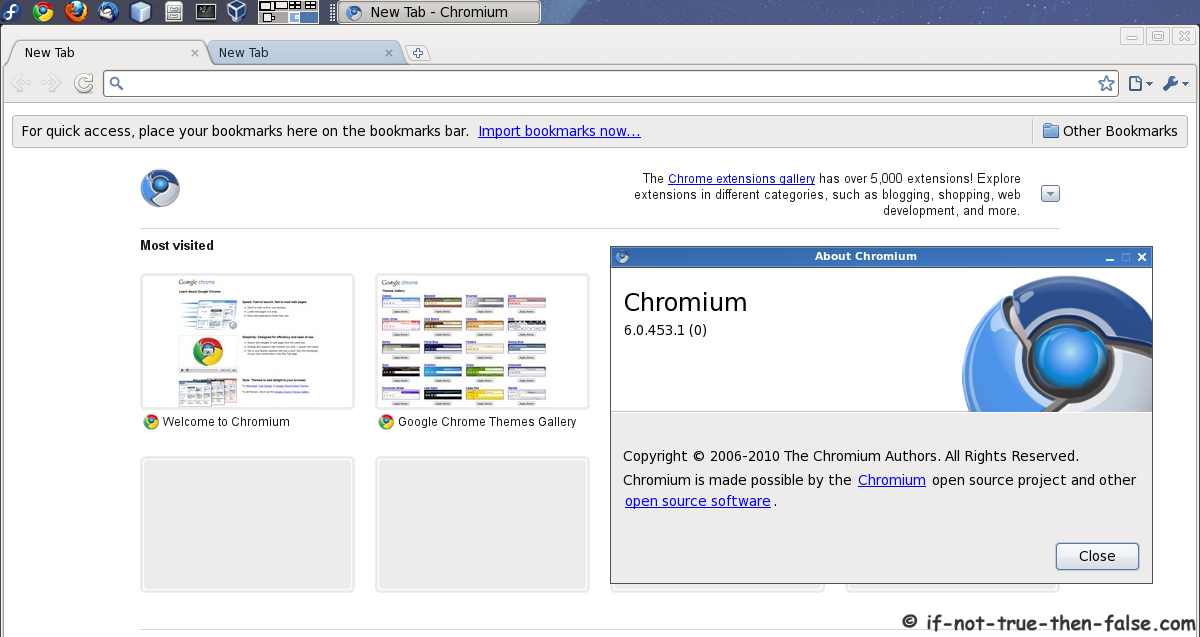
Install Chromium (dev) Browser on Fedora 16/15/14/13 Using YUM
Table of Contents

First thing is good to make clear the difference between Chromium and Google Chrome. Chromium is the open-source project behind Google Chrome. Biggest difference between Chromium and Google Chrome is that the Chromium is development version and Google Chrome is tested version of Chromium. A more detailed clarification differences between Chromium and Google Chrome can be found here.
Earlier I write guide, howto install Google Chrome (Stable, Beta or Unstable) on Fedora using YUM. And this is guide, howto Install Chromium on Fedora 16, Fedora 15, Fedora 14 and Fedora 13 using YUM.
Install Chromium with YUM on Fedora⌗
1. Change root user⌗
su -
## OR ##
sudo -i
2. Enable Fedora Chromium YUM repository⌗
Use following commands to get /etc/yum.repos.d/fedora-chromium-stable.repo file:
## Change directory to /etc/yum.repos.d/ ##
cd /etc/yum.repos.d/

## Get Chromium repo file ##
wget http://repos.fedorapeople.org/repos/spot/chromium/fedora-chromium-stable.repo
Note: If you have installed Chromium before and get following error with Chromium repo:
http://fedorapeople.org/%7Espot/chromium/F13/repodata/repomd.xml: [Errno 14] HTTP Error 404 : http://fedorapeople.org/%7Espot/chromium/F13/repodata/repomd.xml
Trying other mirror.
Then remove old repo and get new repo:
## Change directory to /etc/yum.repos.d/ ##
cd /etc/yum.repos.d/

## Delete old Chromium repo file ##
rm chromium.repo

## Get new Chromium repo file ##
wget http://repos.fedorapeople.org/repos/spot/chromium/fedora-chromium-stable.repo
3. Install Chromium Browser with YUM⌗
yum install chromium
Output:
yum install chromium
Loaded plugins: changelog, fastestmirror, presto, refresh-packagekit
...
Setting up Install Process
Resolving Dependencies
--> Running transaction check
---> Package chromium.i686 0:6.0.453.1-1.fc13 set to be updated
--> Processing Dependency: chromium-libs = 6.0.453.1-1.fc13 for package: chromium-6.0.453.1-1.fc13.i686
--> Processing Dependency: libworker.so for package: chromium-6.0.453.1-1.fc13.i686
...
--> Processing Dependency: libots.so for package: chromium-6.0.453.1-1.fc13.i686
--> Running transaction check
---> Package chromium-libs.i686 0:6.0.453.1-1.fc13 set to be updated
--> Processing Dependency: v8 >= 2.2.21-1.20100702svn5010 for package: chromium-libs-6.0.453.1-1.fc13.i686
--> Processing Dependency: libv8.so.2 for package: chromium-libs-6.0.453.1-1.fc13.i686
--> Processing Dependency: libminizip.so.1 for package: chromium-libs-6.0.453.1-1.fc13.i686
--> Running transaction check
---> Package minizip.i686 0:1.2.3-23.fc12 set to be updated
---> Package v8.i686 0:2.2.21-1.20100702svn5010.fc13 set to be updated
--> Finished Dependency Resolution

Dependencies Resolved

=======================================================================================
 Package            Arch      Version                              Repository     Size
=======================================================================================
Installing:
 chromium           i686      6.0.453.1-1.fc13                     chromium      2.4 M
Installing for dependencies:
 chromium-libs      i686      6.0.453.1-1.fc13                     chromium       16 M
 minizip            i686      1.2.3-23.fc12                        fedora         24 k
 v8                 i686      2.2.21-1.20100702svn5010.fc13        chromium      1.0 M

Transaction Summary
=======================================================================================
Install       4 Package(s)
Upgrade       0 Package(s)

Total download size: 20 M
Installed size: 65 M
Is this ok [y/N]: y
Downloading Packages:
Setting up and reading Presto delta metadata
chromium/prestodelta                                            | 1.3 kB     00:00
Processing delta metadata
Package(s) data still to download: 20 M
(1/4): chromium-6.0.453.1-1.fc13.i686.rpm                       | 2.4 MB     00:01
(2/4): chromium-libs-6.0.453.1-1.fc13.i686.rpm                  |  16 MB     00:28
(3/4): minizip-1.2.3-23.fc12.i686.rpm                           |  24 kB     00:00
(4/4): v8-2.2.21-1.20100702svn5010.fc13.i686.rpm                | 1.0 MB     00:01
---------------------------------------------------------------------------------------
Total                                                  609 kB/s |  20 MB     00:33
Running rpm_check_debug
Running Transaction Test
Transaction Test Succeeded
Running Transaction
  Installing     : minizip-1.2.3-23.fc12.i686                                      1/4
  Installing     : v8-2.2.21-1.20100702svn5010.fc13.i686                           2/4
  Installing     : chromium-libs-6.0.453.1-1.fc13.i686                             3/4
  Installing     : chromium-6.0.453.1-1.fc13.i686                                  4/4

Installed:
  chromium.i686 0:6.0.453.1-1.fc13

Dependency Installed:
  chromium-libs.i686 0:6.0.453.1-1.fc13           minizip.i686 0:1.2.3-23.fc12
  v8.i686 0:2.2.21-1.20100702svn5010.fc13

Complete!
Start Chromium browser⌗
From command line:
chromium
Or simply use launcher from menu.
Chromium on Fedora screenshots⌗
Chromium running on Fedora 15⌗
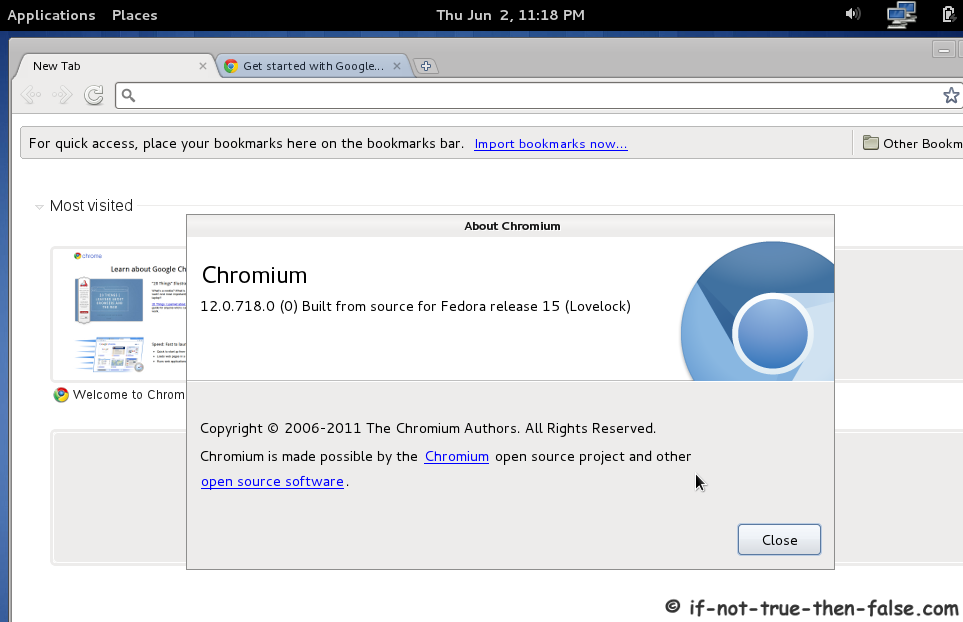
Chromium running on Fedora 13⌗