Install Firefox 4 on Fedora 14, Fedora 13/12 – Screenshots
Table of Contents

Mozilla Firefox 4 is released and this is guide, howto install Firefox 4 smoothly on Fedora 14, Fedora 13 and Fedora 12 using YUM. It’s important to take backups of all Firefox profiles before install, because this major version upgrade and can behave in any unpredictable way.
What’s new in Firefox 4⌗
- New HTML5 parser
- Support for more HTML5 form controls
- Native support for the HD HTML5 WebM video format
- Crash protection – when there is a crash in the Adobe Flash, Apple Quicktime or Microsoft Silverlight plugins
- Web developers can animate content using CSS Transitions
- New Addons Manager and extension management API
- Full WebGL support – is included but disabled by default at this time
Read full details from Firefox 4 release notes.
Install Mozilla Firefox 4 on Fedora 14, Fedora 13 and Fedora 12⌗
1. Backup your current Firefox 3 profiles⌗
tar -cvzf $HOME/mozilla-firefox-profiles-backup.tar.gz $HOME/.mozilla/firefox/
2. Change root user⌗
su -
## OR ##
sudo -i
3. Install Remi repository⌗
## Remi Dependency on Fedora 14 ##
rpm -Uvh http://download1.rpmfusion.org/free/fedora/rpmfusion-free-release-rawhide.noarch.rpm
rpm -Uvh http://download1.rpmfusion.org/nonfree/fedora/rpmfusion-nonfree-release-rawhide.noarch.rpm

## Remi Dependency on Fedora 13 and Fedora 12 ##
rpm -Uvh http://download1.rpmfusion.org/free/fedora/rpmfusion-free-release-stable.noarch.rpm
rpm -Uvh http://download1.rpmfusion.org/nonfree/fedora/rpmfusion-nonfree-release-stable.noarch.rpm

## Fedora 14 ##
rpm -Uvh http://rpms.famillecollet.com/remi-release-14.rpm

## Fedora 13 ##
rpm -Uvh http://rpms.famillecollet.com/remi-release-13.rpm

## Fedora 12 ##
rpm -Uvh http://rpms.famillecollet.com/remi-release-12.rpm
4. Check Available Firefox 4 versions⌗
yum --enablerepo=remi list firefox
Output:
...
Available Packages
firefox.i686                        4.0-1.fc14.remi                       @remi
5. Install Mozilla Firefox 4⌗
yum --enablerepo=remi install firefox
Output:
...
Setting up Install Process
Resolving Dependencies
--> Running transaction check
---> Package firefox.i686 0:4.0-1.fc14.remi set to be updated
--> Finished Dependency Resolution

Dependencies Resolved

=========================================================================================
 Package           Arch          Version                             Repository     Size
=========================================================================================
Installing:
 firefox          i686          4.0-1.fc14.remi             remi           14 M

Transaction Summary
=========================================================================================
Install       1 Package(s)
Upgrade       0 Package(s)

Total download size: 14 M
Installed size: 33 M
Is this ok [y/N]: y
Downloading Packages:
Setting up and reading Presto delta metadata
Processing delta metadata
Package(s) data still to download: 14 M
firefox-4.0-1.fc14.remi.i686.rpm                         |  14 MB     00:05
Running rpm_check_debug
Running Transaction Test
Transaction Test Succeeded
Running Transaction
  Installing     : firefox-4.0-1.fc14.remi.i686                             1/1

WARNING : This firefox4 RPM is not an official Fedora build and it
overrides the official one. Don\'t file bugs on Fedora Project.

Use dedicated forums http://forums.famillecollet.com/


Installed:
  firefox.i686 0:4.0-1.fc14.remi

Complete!
6. Start Firefox 4⌗
Then start Firefox with FF4 profile using command:
firefox
Use Firefox 4 launcher⌗
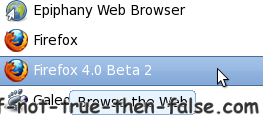
Note: If you use separated profile for Firefox 4 then modify launcher too
Firefox 4 Screenshots⌗
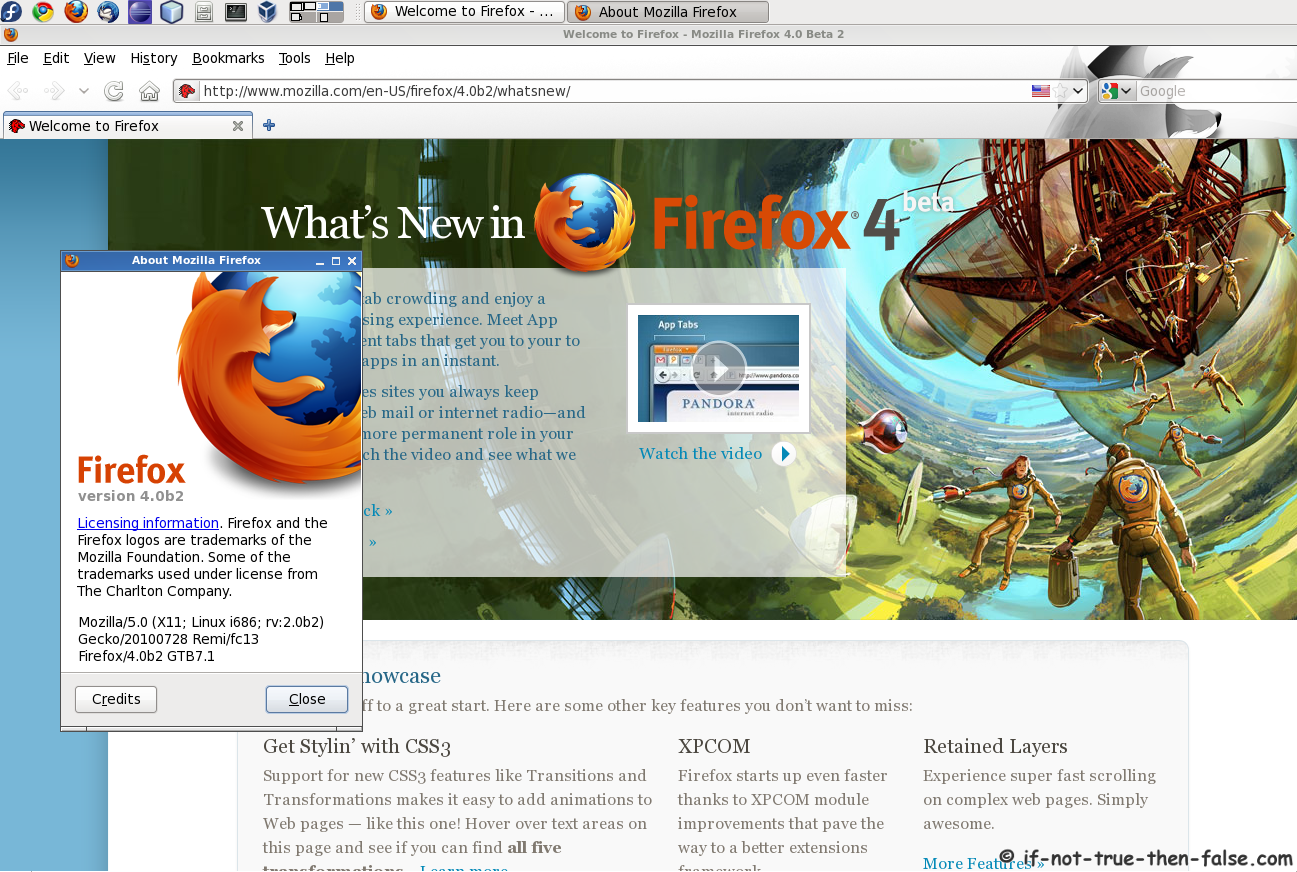
Firefox 4 running on Fedora 13⌗
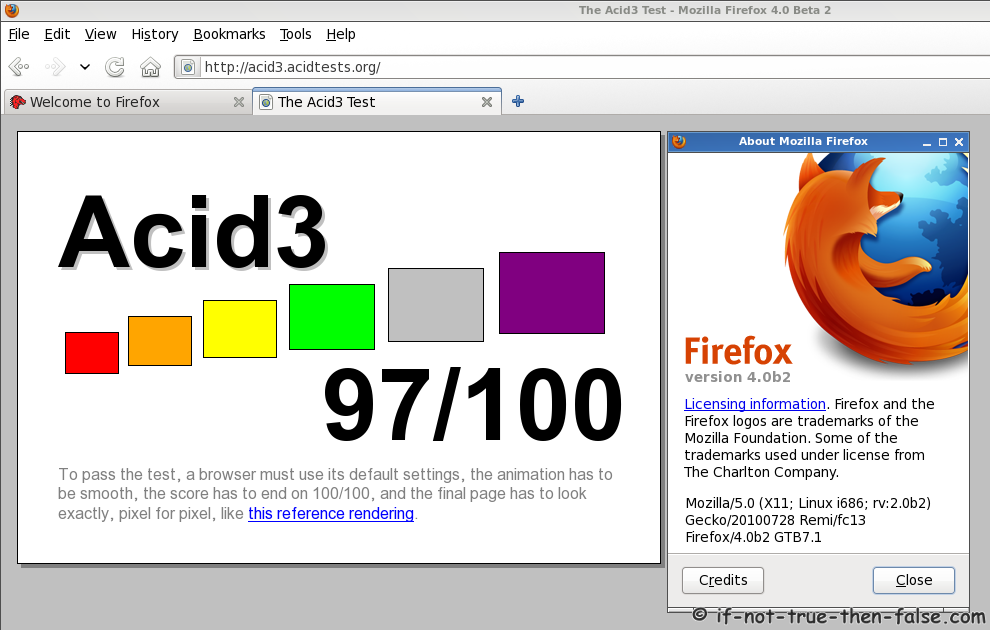
Firefox 4 Acid3 test 97/100⌗