Install NetBeans IDE 6.9.1 on Fedora 14/13, CentOS 5.5, Red Hat (RHEL) 5.5/6

This is guide with screenshots, howto install NetBeans 6.9.1 on Fedora 14, Fedora 13, Fedora 12, CentOS 5.4, CentOS 5.5, Red Hat (RHEL) 5.4, Red Hat (RHEL) 5.5, Red Hat (RHEL) 6.

What is NetBeans?

The NetBeans IDE (integrated development environment) is available for Windows, Mac, Linux, and Solaris. The NetBeans project consists of an open-source IDE and an application platform that enable developers to rapidly create web, enterprise, desktop, and mobile applications using the Java platform, as well as JavaFX, PHP, JavaScript and Ajax, Ruby and Ruby on Rails, Groovy and Grails, and C/C++.

Whats New on NetBeans 6.9.1?

NetBeans 6.9.1 introduces the JavaFX Composer, a visual layout tool for building JavaFX GUI applications, similar to the Swing GUI builder for Java SE applications.

Additional highlights

  • Support for JavaFX SDK 1.3
  • PHP Zend framework
  • New PHP formatter with many formatting rules
  • Ruby on Rails 3.0 support
  • Refactoring and find usages for CSS and HTML-like languages
  • Spell checker support in the Editor
  • Improvements to the Java Editor, Java Debugger, issue tracking

Install NetBeans 6.9.1 on Fedora, CentOS, Red Hat (RHEL)

1. Install Sun’s Java

I recommend to install Sun’s Java, because I think NetBeans works faster with Sun’s Java. Here is the guide, howto install Sun/Oracle Java JDK 6 on Fedora, CentOS, Red Hat (RHEL). OpenJDK should also work.

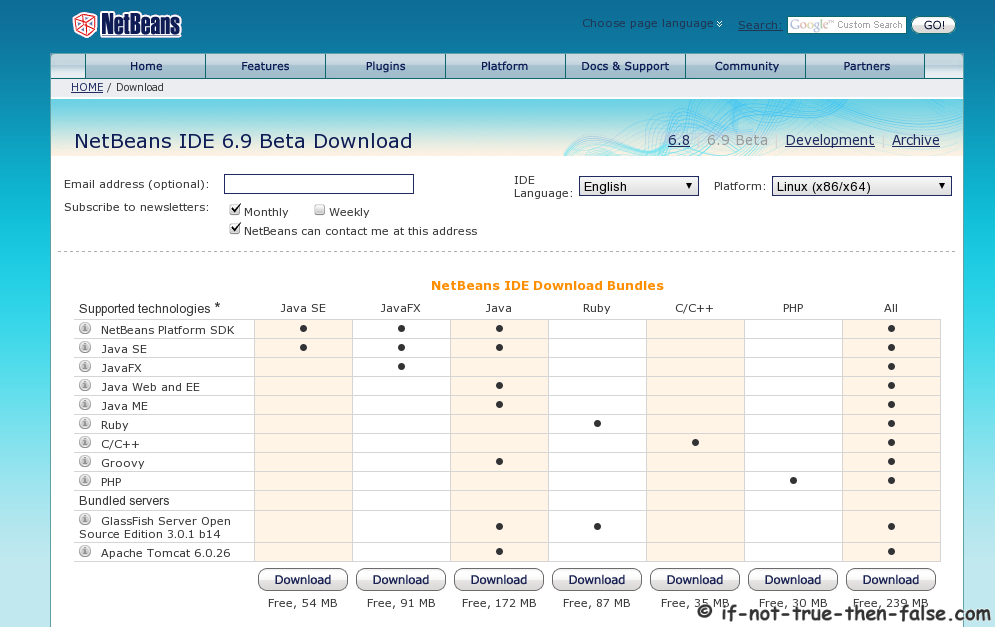
2. Download NetBeans 6.9.1

from Sun’s NetBeans download page

Select best suitable version or select whole package.

3. Make package executable

chmod +x netbeans-6.9.1-ml-linux.sh

4. Change to root

su -
## OR ##
sudo -i

5. Run installer (as root)

./netbeans-6.9.1-ml-linux.sh

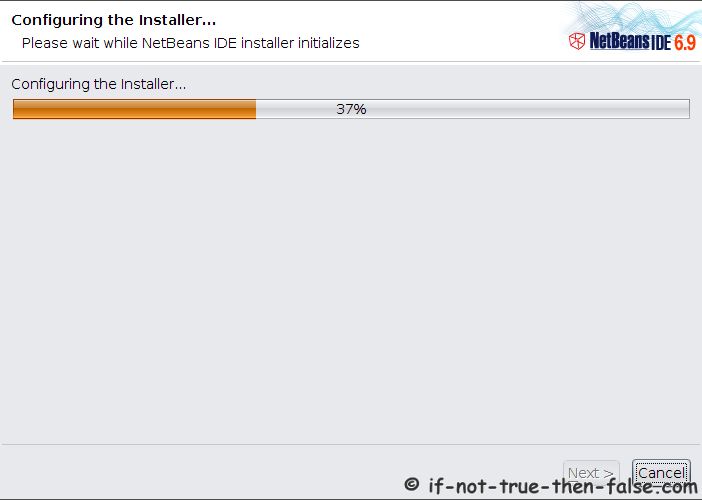
6. NetBeans 6.9.1 Installer starts

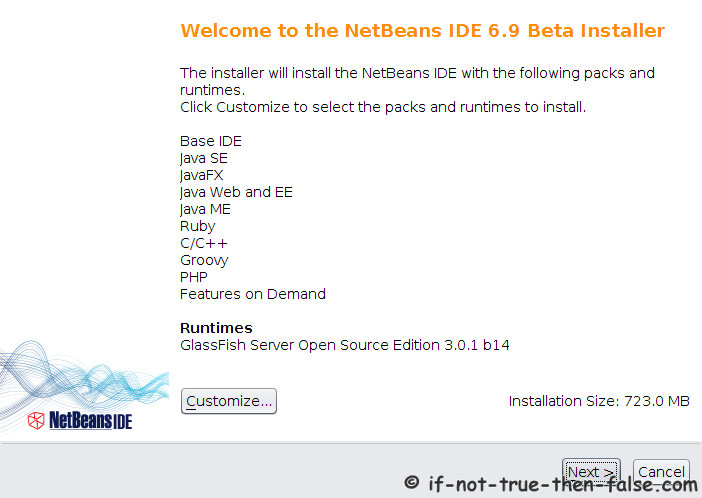
7. NetBeans IDE 6.9.1 Welcome Screen

With full package is possible customize module selection, with clicking customize button:
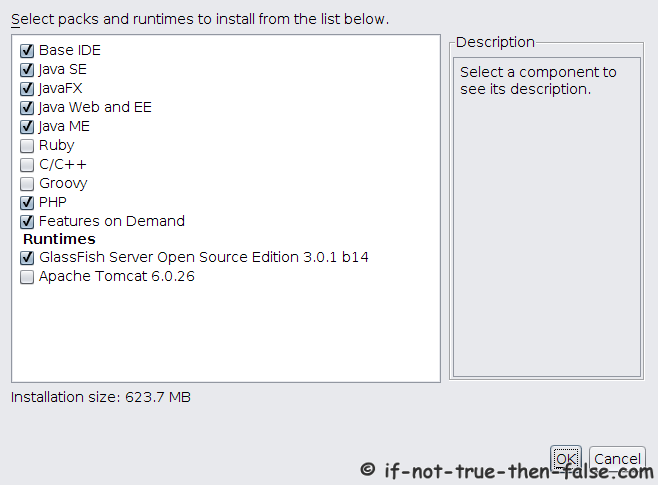
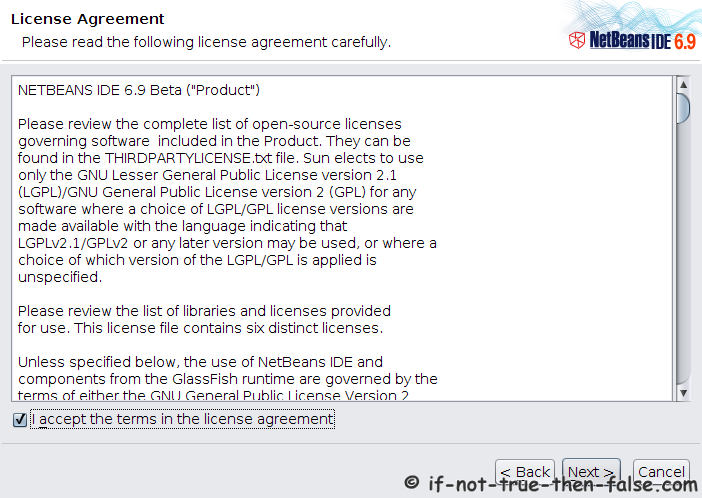
7. Accept NetBeans 6.9.1 License

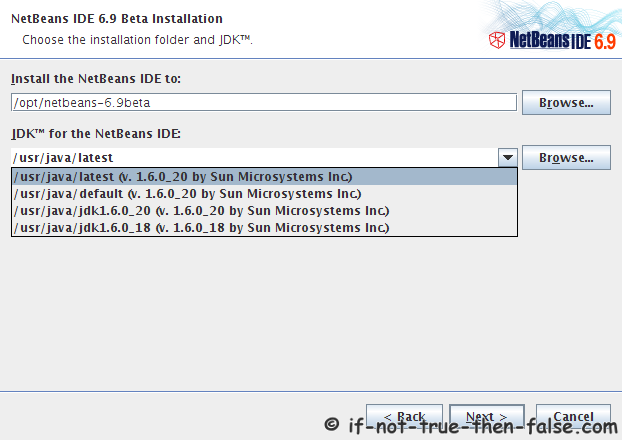
8. Choose a NetBeans 6.9.1 Installation Directory and JDK Directory

If GlassFish Application Server is also selected to Installation then select Directory also for GlassFish:
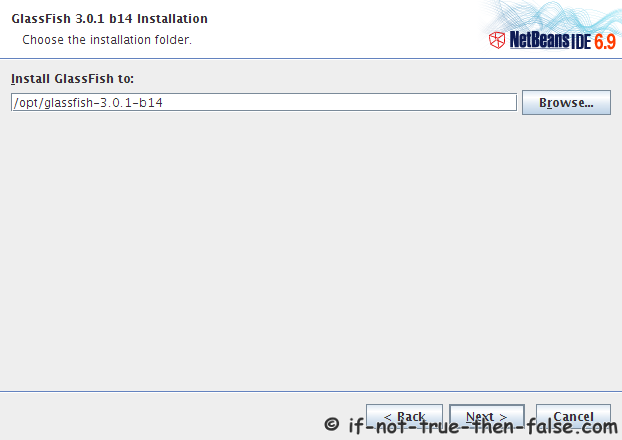
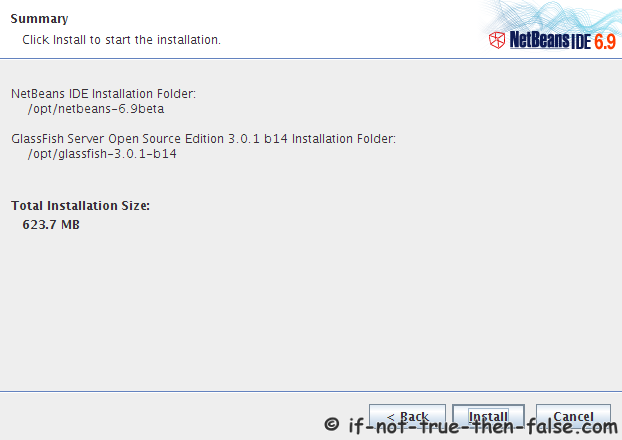
9. Check NetBeans 6.9.1 Installation Summary

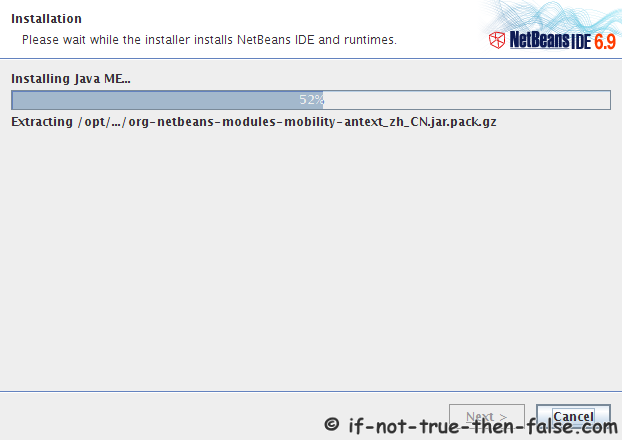
10. Installing NetBeans 6.9.1 IDE

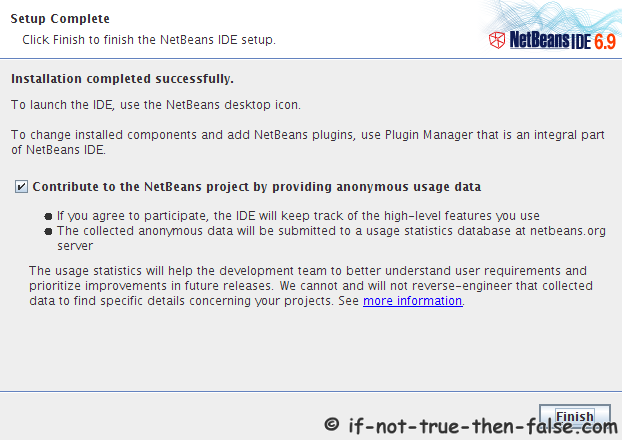
11. NetBeans 6.9.1 IDE Installation Complete

12. Start NetBeans 6.9.1 IDE

/path/to/netbeans-6.9.1/bin/netbeans
 
## Example ##
/opt/netbeans-6.9.1/bin/netbeans

Or Start NetBeans with using desktop launcher.

Follow If Not True Then False Updates!

14 Comments

  1. On Fedora 13 fails to start glassfish server.
    Some tips/help pleaseeee :D

  2. Worked like a charm on my RHEL 5.5 PHP/Joomla dev machine (BTW, I had to pull the shortcut for my kde desktop from /usr/share/applications with all defaults selected during install).
    Thanks for the bonus java/firefox setup instuctions. Top Notch!!!

  3. -bash: ./netbeans-6.9.1-ml-linux.sh: Permission denied
    these type of error is occur after type the command
    ./netbeans-6.9.1-ml-linux.sh
    pls help

    • Hi Akshay,

      Did you added run permission with following command?

      chmod +x netbeans-6.9.1-ml-linux.sh

      Or running it with following command should also works:

      sh netbeans-6.9.1-ml-linux.sh
  4. Thank you for your guide. Very accurate and simple to follow.

  5. thanks, this was a great help

  6. Cool it works.
    Thanks a lot for posting this.

  7. I would like to uninstall netbeans 6.91 because I want to use 7.0. I am running fedora 14 64 bit. could you help me please?

  8. I have good installer netbeans-7.0.1-ml-javase-linux.sh size 666,517KB for linux 64 bit. I try install that’s installer in centos 6 64 bit , but always error installer seems to be corrupted . i have try downloads many installer other version and always failed error installer seems to be corrupted.
    i need wonder, what happend it is .
    could you help me please?

    • Hi gungho,

      Could you post exact error message, what you get?

  9. This did help me a lot !! thanks for all

    I gave up of using windows OS and now I’m using Linux Fedora 16.

  10. Hi JR I want to install Glassfish server on my Netbeans 6.9 for running My JSP and Servlet Program so plz help me

    • Hi NIhal,

      Did you installed Glassfish server when you installed Netbeans?

Leave a Comment

Your email address will not be published. Required fields are marked *

You may use these HTML tags and attributes: <a href="" title=""> <abbr title=""> <acronym title=""> <b> <blockquote cite=""> <cite> <code> <del datetime=""> <em> <i> <q cite=""> <strike> <strong>

Trackbacks/Pingbacks

  1. Patryk →♦Strzelecki.info♦← » Blog Archive » Instalacja Netbeans 6.7.1 na Ubuntu 9.04 / 9.10 - [...] Aktualizacja: Krok po kroku – instalacja Netbeans 6.9 [...]
  2. Upgrade to Fedora 13 from Fedora 12 with Preupgrade | if not true then false - [...] 13Install VirtualBox (with yum) on Fedora 13Install PostgreSQL 8.4 Database Server on Fedora 13Install NetBeans 6.9 on Fedora 13Install ...