Upgrade Fedora 13 to Fedora 14 with Preupgrade – Screenshots
Table of Contents

This is guide, howto upgrade Fedora 13 to Fedora 14 with Preupgrade, which download needed packages from the server and then just reboot to installer and after install boot the new system. It’s important backup your important files before upgrading. Read more info about Fedora 14 features.
If the aim is to update older versions of Fedora to Fedora 14, then each version have to be updated step by step:
Upgrade Fedora 11 to Fedora 12 with Preupgrade >>
Upgrade Fedora 12 to Fedora 13 with Preupgrade >>
From Fedora 12 to Fedora 13 guide describe Preupgrade command line method. This guide works also with from Fedora 13 to Fedora 14 upgrade.
If the Fedora version is older than Fedora 11 then I recommend Fedora 14 clean install. Also in other situations, a clean install may be sensible.
1. Upgrade Fedora 13 to Fedora 14 with Preupgrade⌗
1.1 First start with updating all Fedora 13 packages with following command as root:⌗
yum update
1.2 Install preupgrade as root⌗
yum install preupgrade
1.3 Start preupgrade as root⌗
preupgrade
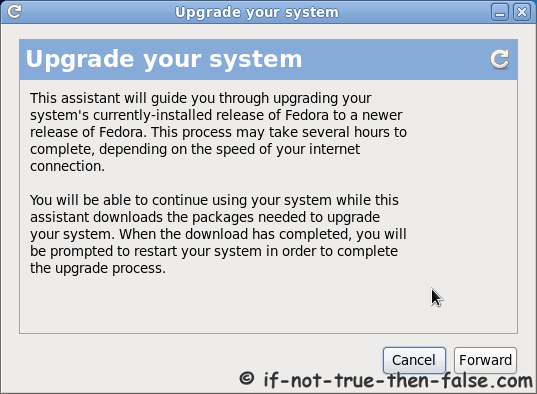
1.4 Preupgrade information window⌗
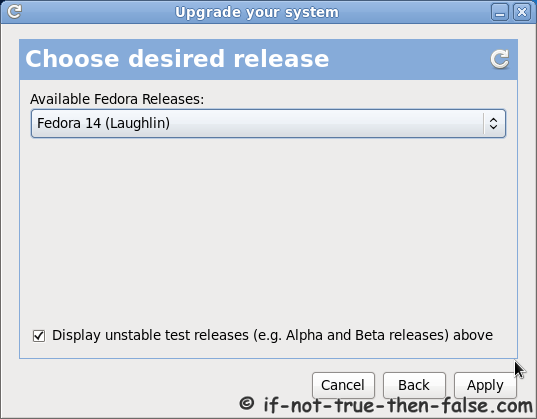
1.5 Choose desired release⌗
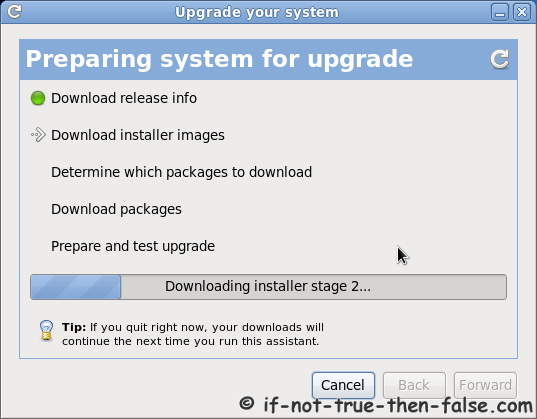
1.6 Preparing system for upgrade⌗
1.7 Downloading files⌗
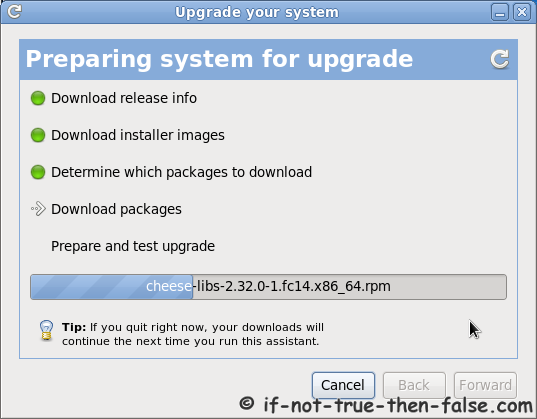
1.8 Prepare and test upgrade⌗

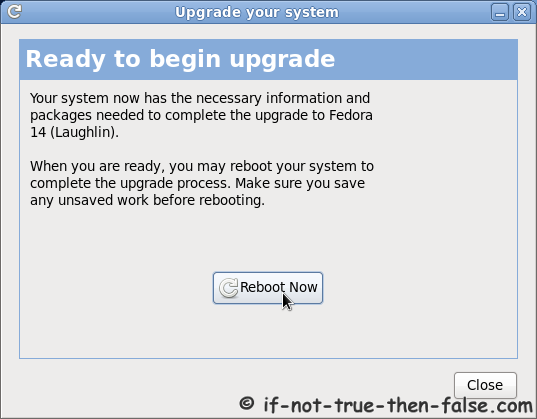
1.9 When ready to begin upgrade then reboot.⌗
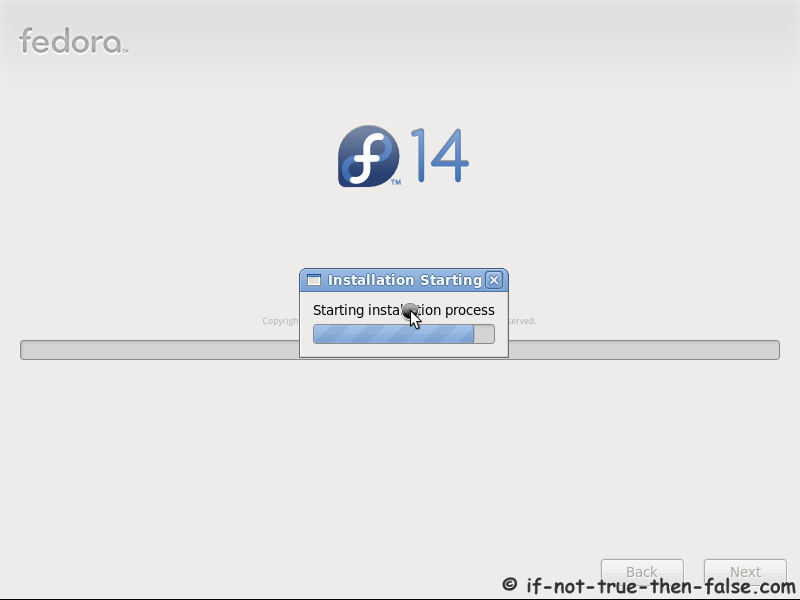
1.10 Starting Fedora 14 installation⌗
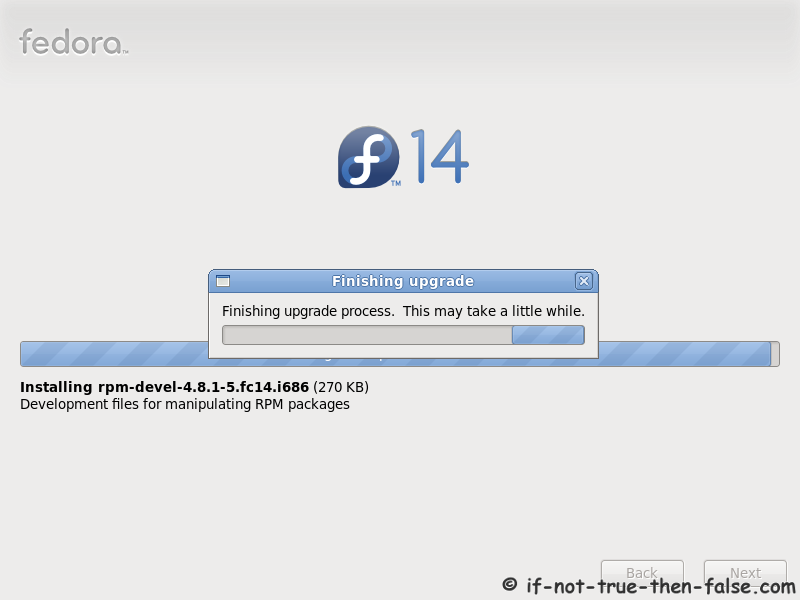
1.11 Installing Fedora 14 packages⌗

1.12 Finishing Fedora 14 system installation⌗
1.13 Booting just upgraded Fedora 14 system⌗

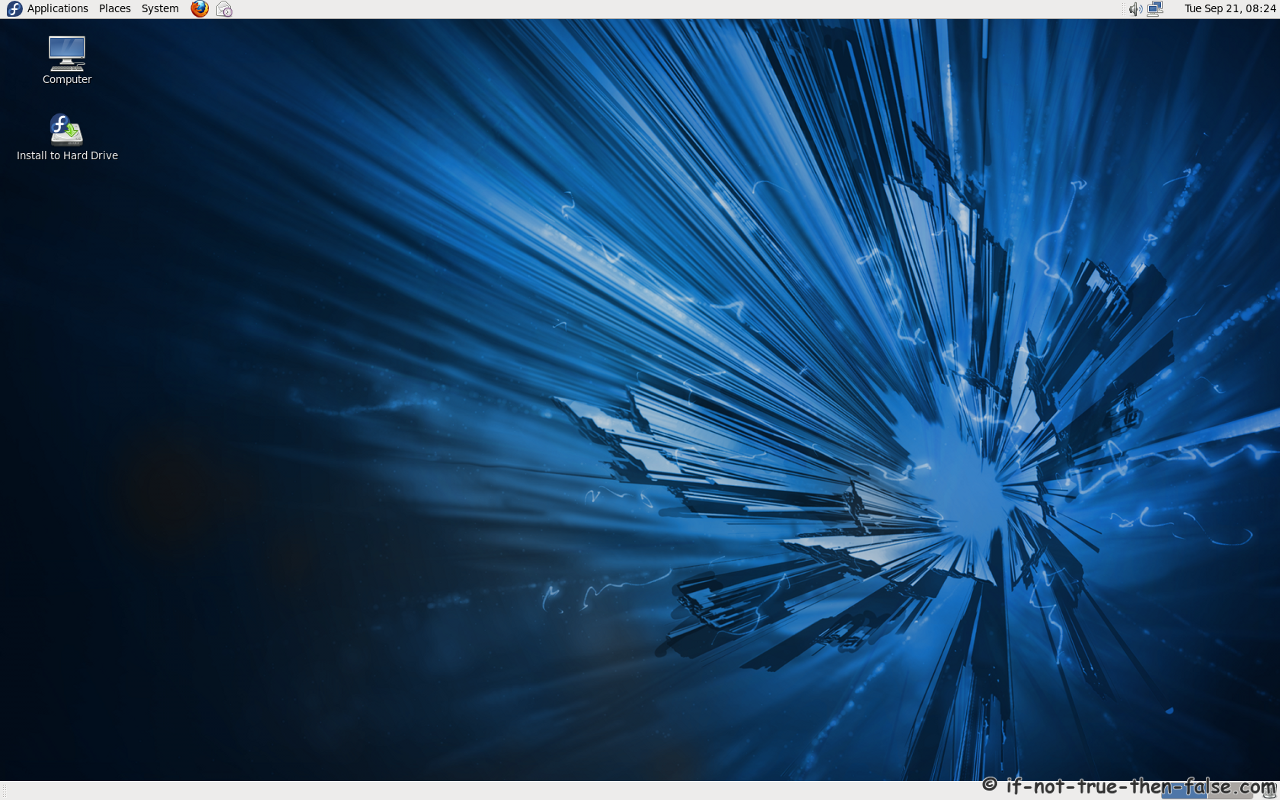
1.14 Fedora 14 desktop⌗
2. Post-Upgrade Tasks⌗
2.1 Remove unsupported packages⌗
Get the list with following command:
package-cleanup --orphans
Then remove listed packages with following command:
yum remove package1 package2 ...
2.2 Check All .rpmsave and .rpmnew Files⌗
You find these files with following command:
find / -print | egrep "rpmnew$|rpmsave$"
Depending on the differences between original and new files. You may need to manually merge new settings from new configuration files.
3. Troubleshooting⌗
3.1 Not enough space on disk, check following tips⌗
Free up space
Trick preupgrade into downloading the installer