Install Firefox 5 on Fedora 15/14/13
Table of Contents

New Guide, Howto Install Firefox 6 on Fedora 15/14/13/12/11 >>
Mozilla Firefox 5 is released and this is guide, howto install Firefox 5 on Fedora 15, Fedora 14 and Fedora 13 using YUM. It’s important to take backups of all Firefox profiles before install, because this major version upgrade and can behave in any unpredictable way.
What’s new in Firefox 5⌗
- Support for CSS animations
- The Do-Not-Track header preference has been moved to increase discoverability
- Tuned HTTP idle connection logic for increased performance
- Improved canvas, JavaScript, memory, and networking performance
- Improved standards support for HTML5, XHR, MathML, SMIL, and canvas
- Improved spell checking for some locales
- Improved desktop environment integration for Linux users
Read full details from Firefox 5 release notes.
Install Mozilla Firefox 5 on Fedora 15, Fedora 14 and Fedora 13⌗
1. Backup your current Firefox 3/4 profiles⌗
tar -cvzf $HOME/mozilla-firefox-profiles-backup.tar.gz $HOME/.mozilla/firefox/
2. Change root user⌗
su -
## OR ##
sudo -i
3. Install Remi repository (needed only for Fedora 14 and Fedora 13)⌗
## Remi Dependency on Fedora 14 and Fedora 13 ##
rpm -Uvh http://download1.rpmfusion.org/free/fedora/rpmfusion-free-release-stable.noarch.rpm
rpm -Uvh http://download1.rpmfusion.org/nonfree/fedora/rpmfusion-nonfree-release-stable.noarch.rpm

## Fedora 14 ##
rpm -Uvh http://rpms.famillecollet.com/remi-release-14.rpm

## Fedora 13 ##
rpm -Uvh http://rpms.famillecollet.com/remi-release-13.rpm
4. Check Available Firefox 5 versions⌗
Fedora 15
yum list firefox
Fedora 14 and Fedora 13
yum --enablerepo=remi list firefox5
5. Install Mozilla Firefox 5⌗
Fedora 15
yum install firefox
Fedora 14 and Fedora 13
yum --enablerepo=remi install firefox5
6. Start Firefox 5⌗
Then start Firefox with using command:
Fedora 15
firefox
Fedora 14 and Fedora 13
firefox5
Or use Firefox 5 launcher.
Firefox 5 Screenshots⌗
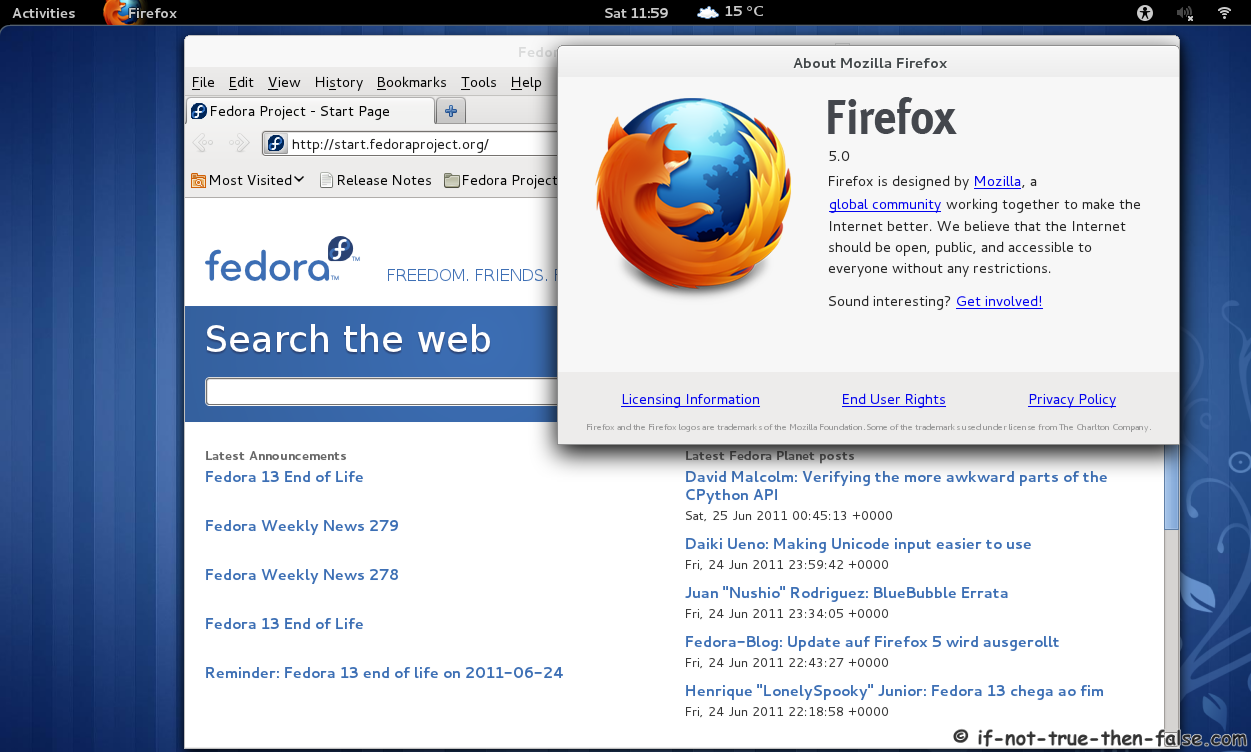
Firefox 5 running on Fedora 15⌗