Install Thunderbird 17 on Fedora 19/18, CentOS/Red Hat (RHEL) 6.4
Table of Contents

Mozilla Thunderbid 17 is released and this is guide, howto install Thunderbird 17 on Fedora 19/18/17/16/15/14, CentOS 6.4/6.3/6.2/6.1/6 and Red Hat (RHEL) 6.4/6.3/6.2/6.1/6 using YUM. Thunderbird 10 is currently available on CentOS 6.4/5.9 and Red Hat (RHEL) 6.4/5.9 own repos, so with this guide you can also install Thunderbird 10 on CentOS 5.9 and Red Hat (RHEL) 5.9.
What’s new in Thunderbird 17⌗
- A Menu Button is now shown to new users by default
- Tabs are now drawn in the title bar on Windows
- RSS feeds can now be viewed in the Wide View Layout
- Various fixes and performance improvements
- Various security fixes
What’s new in Thunderbird 10⌗
- New ability to search the Web
- Improvements to email search
- Several fixes when drafting email
- several other platform fixes
Read full details from Thunderbird 17 release notes and Thunderbird 10 release notes.
Install Mozilla Thunderbird 17/10 on Fedora 19/18/17/16/15/14, CentOS 6.4/6.3/6.2/6.1/6/5.9 and Red Hat (RHEL) 6.4/6.3/6.2/6.1/6/5.9⌗
1. Backup your current Thunderbird 3/4/5/6/7/8/9/10/11/12/13/14/15/16 profiles (just in case)⌗
tar -cvzf $HOME/mozilla-thunderbird-profiles-backup.tar.gz $HOME/.thunderbird/
2. Change root user⌗
su -
## OR ##
sudo -i
3. Install Remi repository⌗
Note: Currently not needed on Fedora 19/18/17, CentOS 5.9 and Red Hat (RHEL) 5.9.
Fedora⌗
## Fedora 16 ##
rpm -Uvh http://rpms.famillecollet.com/remi-release-16.rpm

## Fedora 15 ##
rpm -Uvh http://rpms.famillecollet.com/remi-release-15.rpm

## Fedora 14 ##
rpm -Uvh http://rpms.famillecollet.com/remi-release-14.rpm
CentOS 6 / Red Hat (RHEL) 6⌗
## Remi Dependency on CentOS 6 and Red Hat (RHEL) 6 ##
rpm -Uvh http://download.fedoraproject.org/pub/epel/6/i386/epel-release-6-8.noarch.rpm

## CentOS 6 and Red Hat (RHEL) 6 ##
rpm -Uvh http://rpms.famillecollet.com/enterprise/remi-release-6.rpm
4. Check Available Thunderbird versions⌗
Fedora 19/18/17⌗
yum list thunderbird
Fedora 16/15/14, CentOS 6.4 and Red Hat (RHEL) 6.4⌗
yum --enablerepo=remi list thunderbird
CentOS 5.9 and Red Hat (RHEL) 5.9⌗
yum list thunderbird
Note: Thunderbird 10 available.
5. Update or Install Thunderbird 17/10⌗
Fedora 19/18/17⌗
yum update thunderbird
## OR ##
yum install thunderbird
Fedora 16/15/14, CentOS 6.4 and Red Hat (RHEL) 6.4⌗
yum --enablerepo=remi update thunderbird
## OR ##
yum --enablerepo=remi install thunderbird
CentOS 5.9 and Red Hat (RHEL) 5.9⌗
yum update thunderbird
## OR ##
yum install thunderbird
Note: Thunderbird 10 available.
6. Start Thunderbird 17/10⌗
Then start Thunderbird with using command:
thunderbird
Or use Thunderbird (17/10) launcher.
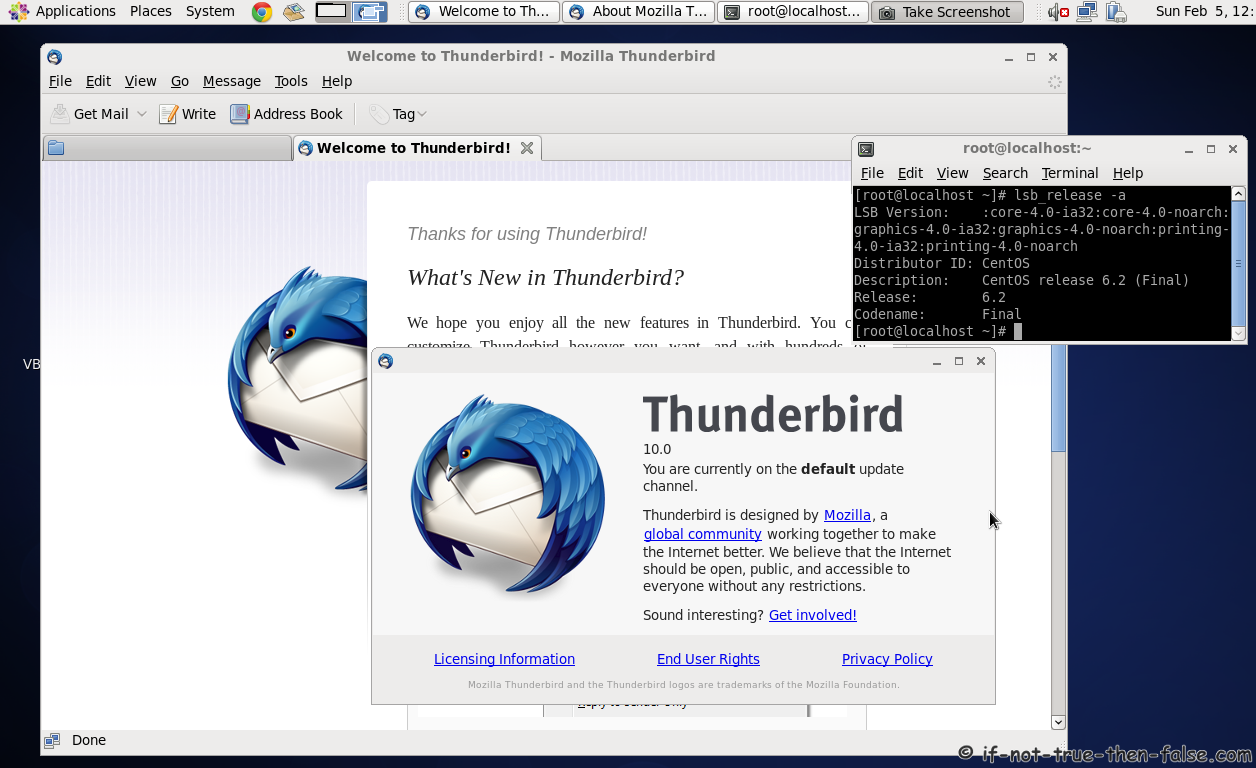
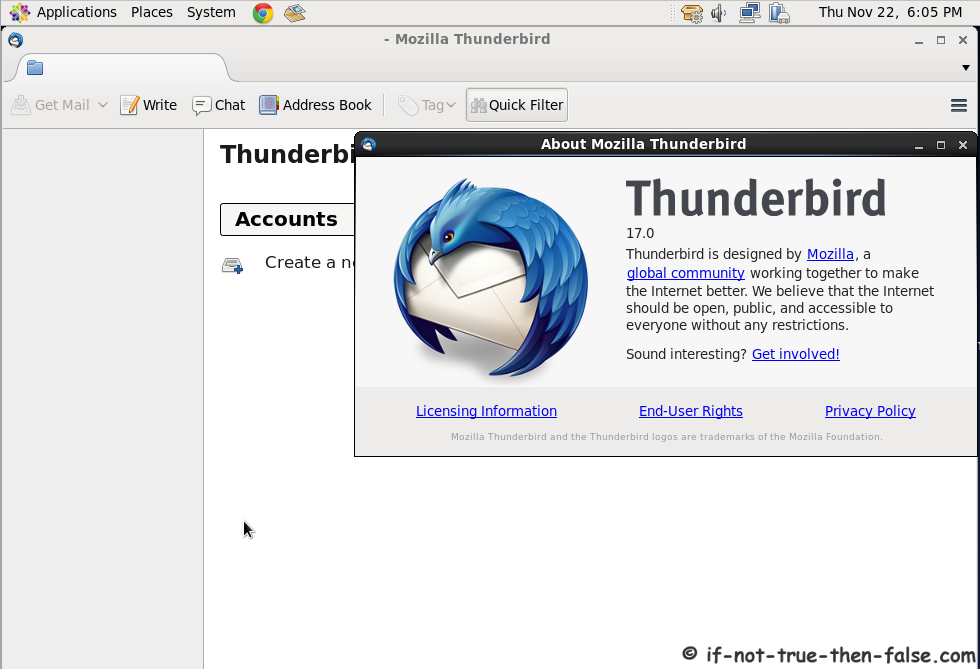
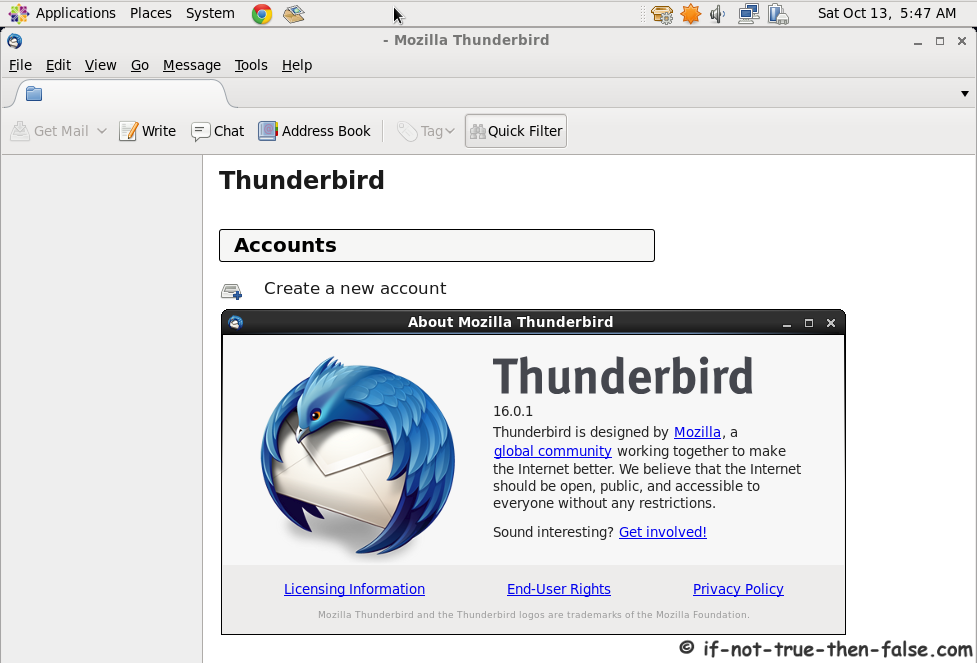
Thunderbird 17/16/10 Screenshots⌗
Thunderbird 17 Running on CentOS 6.3⌗
Thunderbird 16 Running on CentOS 6.3⌗
Thunderbird 10 Running on CentOS 6.2⌗