Upgrade Fedora 15 to Fedora 16 with Preupgrade – Screenshots
This is guide, howto upgrade Fedora 15 to Fedora 16 with Preupgrade. Preupgrade download needed packages from the server, set up everything ready and then reboot to Anaconda installer and after package installation it boots to the new system. It’s important backup your important files before upgrading.
If the aim is to update older versions of Fedora to Fedora 16, then each version have to be upgraded step by step:
Upgrade Fedora 12 to Fedora 13 with Preupgrade >>
Upgrade Fedora 13 to Fedora 14 with Preupgrade >>
Upgrade Fedora 14 to Fedora 15 with Preupgrade >>
From Fedora 12 to Fedora 13 guide describe Preupgrade command line method. This guide works also with from Fedora 13 to Fedora 14 upgrade, from Fedora 14 to Fedora 15 upgrade and from Fedora 15 to Fedora 16 upgrade.
If the Fedora version is older than Fedora 12 then I recommend Fedora 16 clean install. Also in other situations, a clean install may be sensible.
1. Upgrade Fedora 15 to Fedora 16 with Preupgrade
1.1 First start with updating all Fedora 15 packages with following command as root:
yum update |
1.2 Install preupgrade as root
yum install preupgrade |
1.3 Start preupgrade as root
preupgrade |
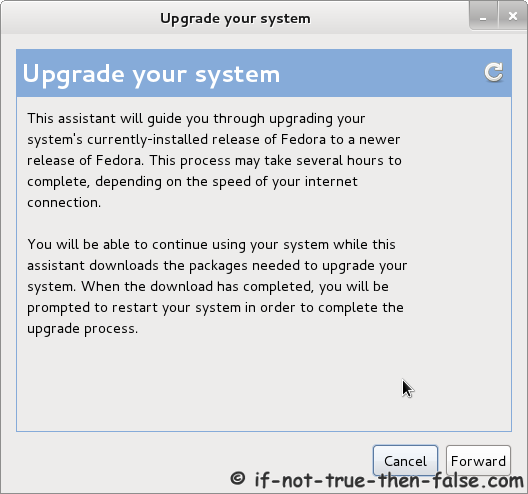
1.4 Preupgrade information window
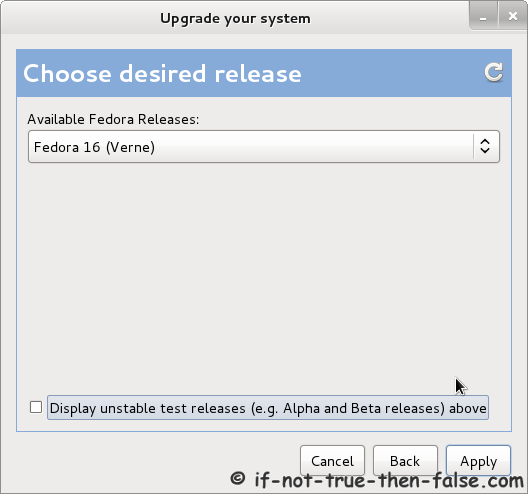
1.5 Choose desired release
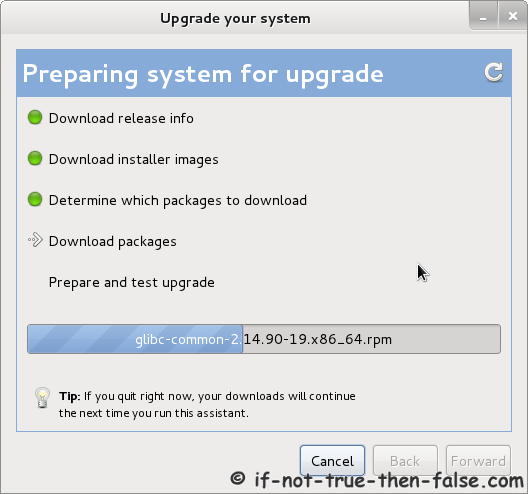
1.6 Preparing system for upgrade
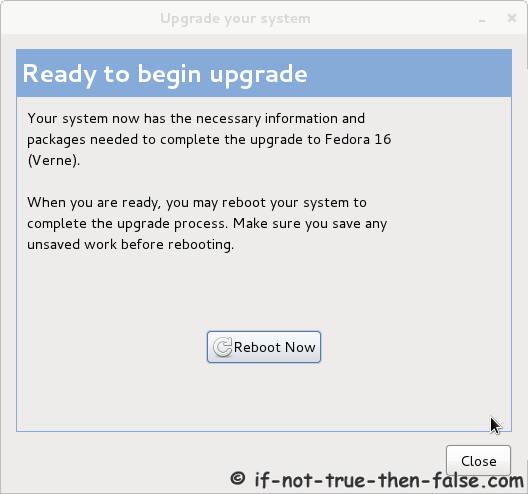
1.7 When ready to begin upgrade then reboot.
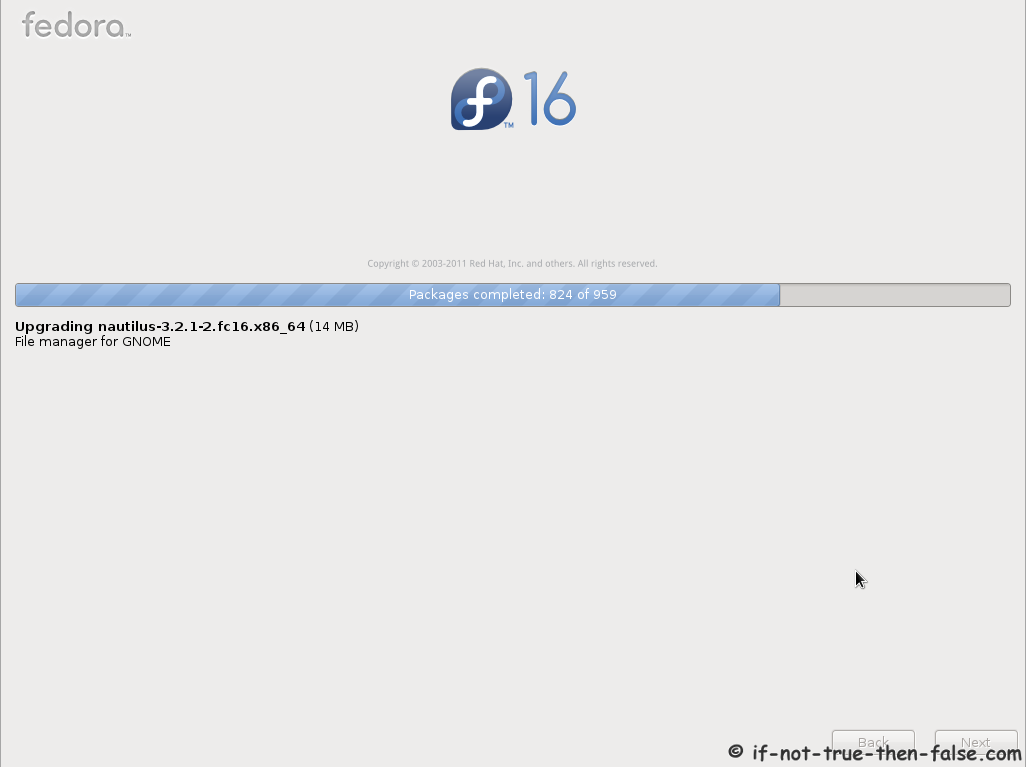
1.8 Installing Fedora 16 packages
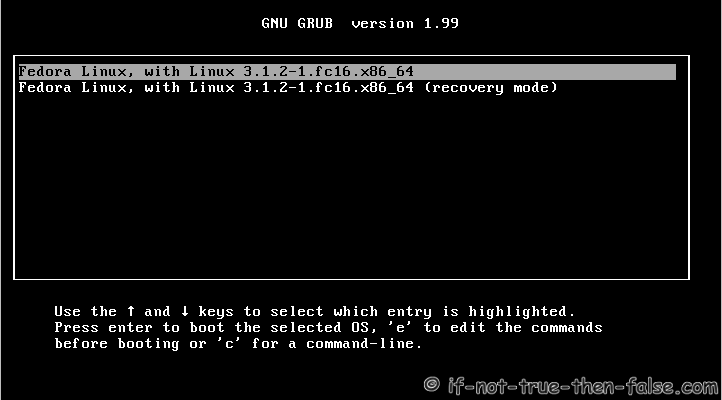
1.9 Fedora 16 starting with Grub 2
1.10 Booting just upgraded Fedora 16 system
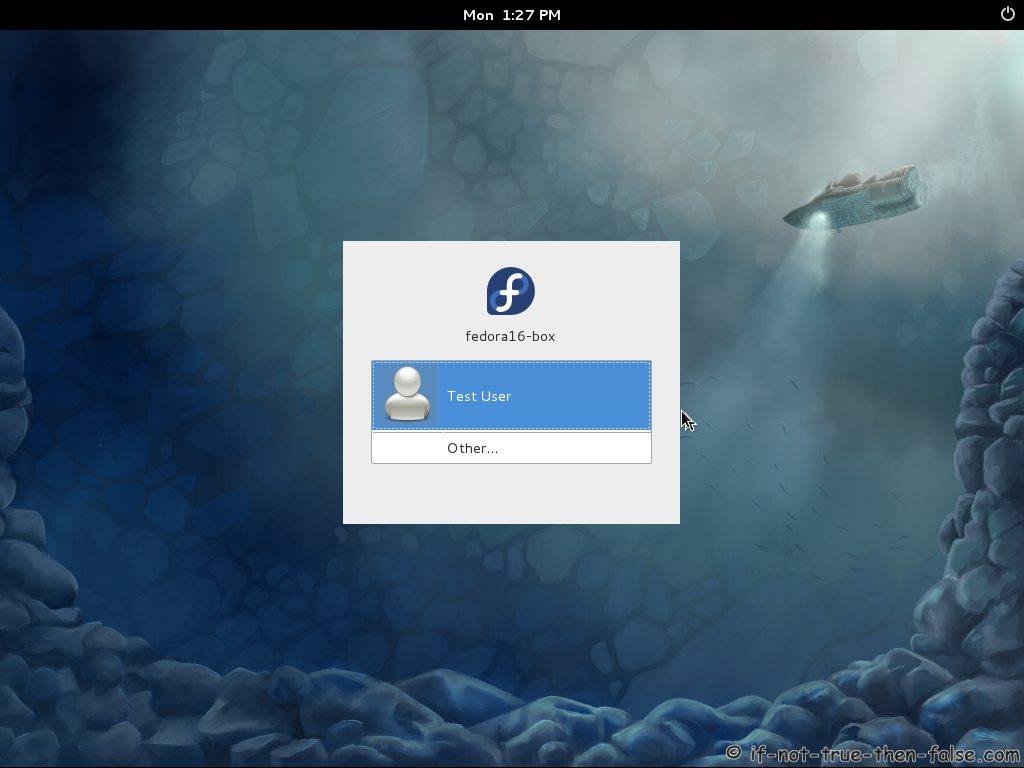
1.11 Fedora 16 login screen
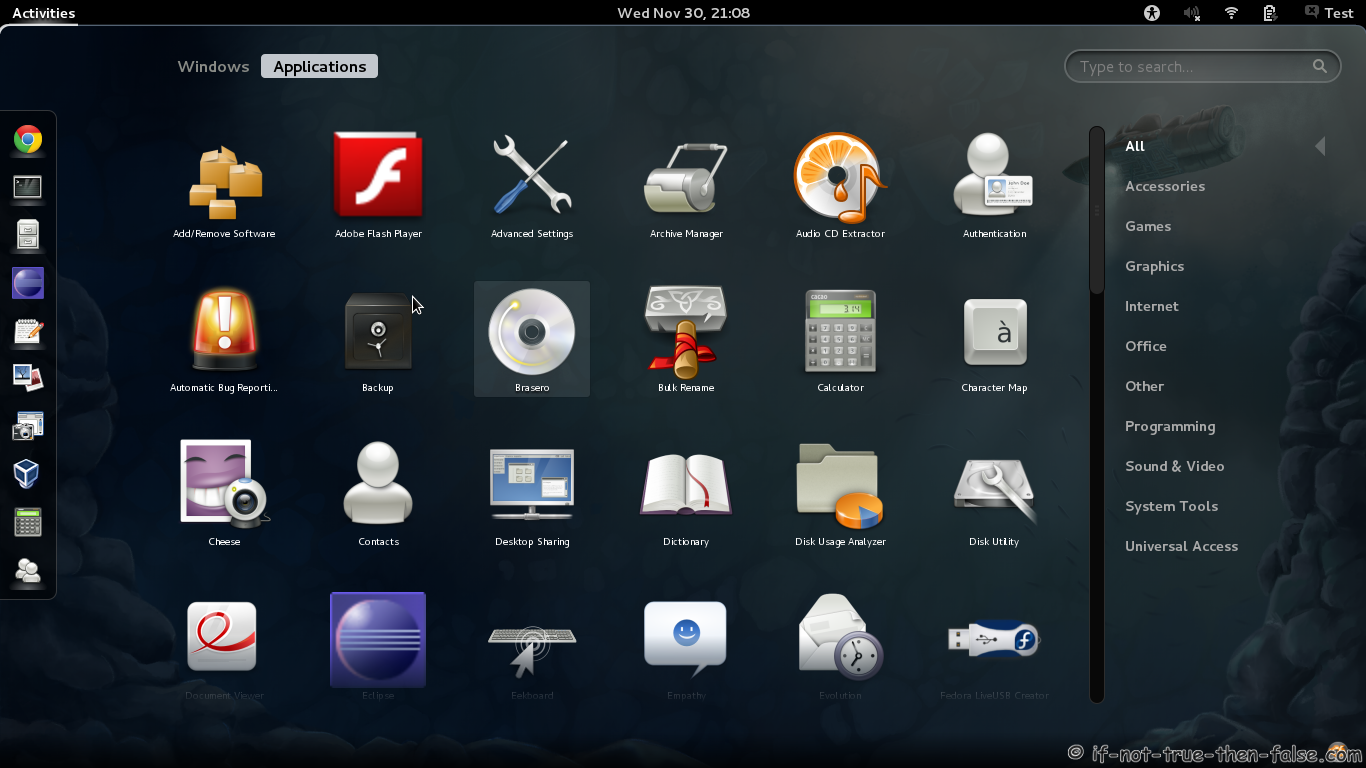
1.12 Fedora 16 desktop screenshots
Gnome 3.2 Shell plain
Gnome 3.2 Shell Activities
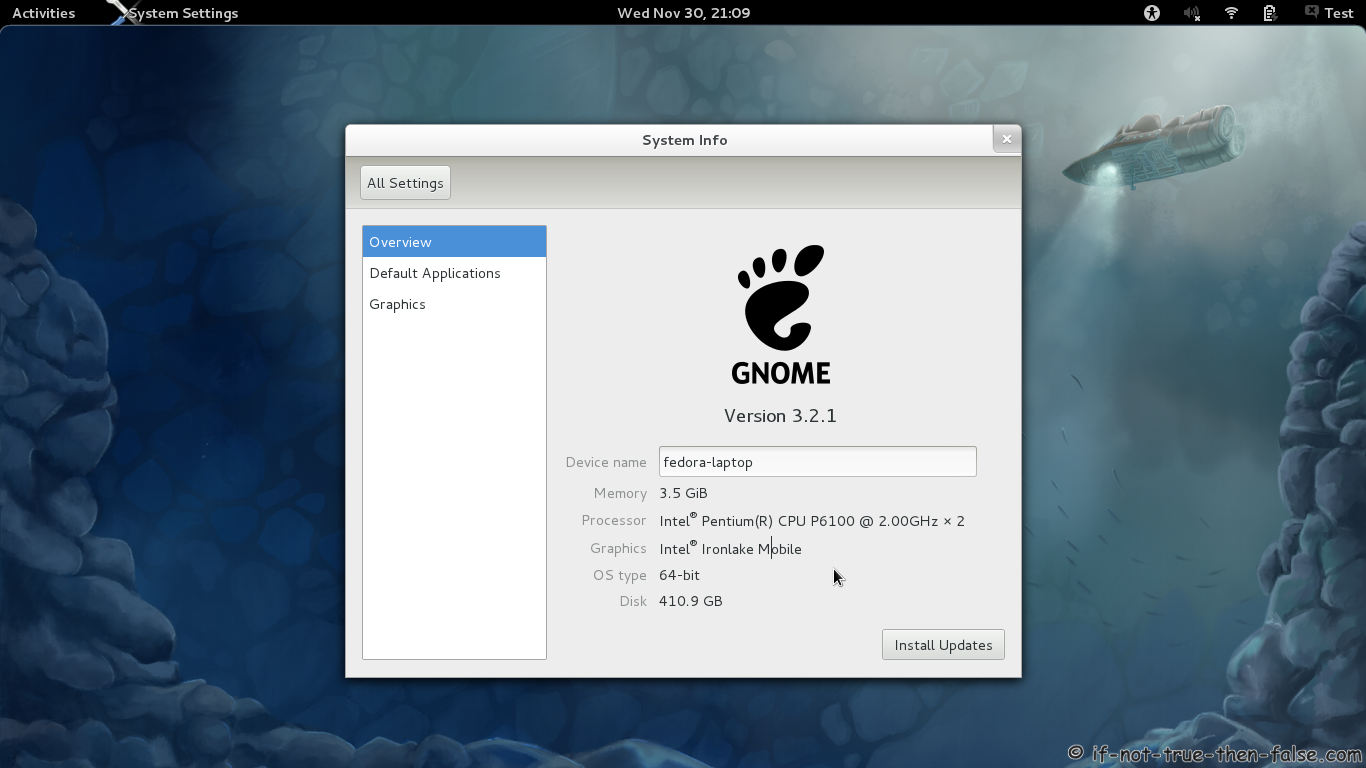
Gnome 3.2 Shell Running Firefox System Info
Gnome 3.2 Desktop on fallback mode
2. Post-Upgrade Tasks
2.1 Remove unsupported packages
Get the list with following command:
package-cleanup --orphans |
Then remove listed packages with following command:
yum remove package1 package2 ... |
2.2 Check All .rpmsave and .rpmnew Files
You find these files with following command:
find / -print | egrep "rpmnew$|rpmsave$" |
Depending on the differences between original and new files. You may need to manually merge new settings from new configuration files.
3. Troubleshooting
3.1 Not enough space on disk, check following tips
Free up space
Trick preupgrade into downloading the installer
This is guide, howto upgrade Fedora 15 to Fedora 16 with Preupgrade. Preupgrade download needed packages from the server, set up everything ready and then reboot to Anaconda installer and after package installation it boots to the new system. It’s important backup your important files before upgrading.


While upgrading to Fedora 16 from Fedora 13 using “preupgrade”, i did not get the screen “Fedora 16 staring with Grub 2″.
I get the screen to re-boot the system.
Upon re-boot, the OS is still at Fedora 13.
Note: My system is a multiboot system, wherein i have both Windows and Fedora installed.
Request you to help me here.
Thank you so much.
Additional details for the above issue.
1) During preupgrade, i get screens till 1.8 as observed above.
2) Then i get a screen “Ready to begin upgrade ….Reboot Now”
3) When i click on “Reboot Now”, post reboot, it is still Fedora 13.
Also following is observed in the terminal, where i issued the “preupgrade” command.
The following lines are the last few lines when i get a “Reboot Now” screen.
—————————————
File “/usr/share/preupgrade/preupgrade-gtk.py”, line 259, in _do_main
self.main_preupgrade()
File “/usr/share/preupgrade/preupgrade-gtk.py”, line 473, in main_preupgrade
stage2file = self.pu.retrieve_non_critical_files()
File “/usr/lib/python2.6/site-packages/preupgrade/__init__.py”, line 560, in retrieve_non_critical_files
self._retrieve_file(self.mainimage, targetdir, reserve_space=extra_space)
File “/usr/lib/python2.6/site-packages/preupgrade/__init__.py”, line 440, in _retrieve_file
tmp = self.instgrab.urlopen(fileinfo)
File “/usr/lib/python2.6/site-packages/urlgrabber/mirror.py”, line 413, in urlopen
return self._mirror_try(func, url, kw)
File “/usr/lib/python2.6/site-packages/urlgrabber/mirror.py”, line 386, in _mirror_try
mirrorchoice = self._get_mirror(gr)
File “/usr/lib/python2.6/site-packages/urlgrabber/mirror.py”, line 283, in _get_mirror
raise URLGrabError(256, _(‘No more mirrors to try.’))
urlgrabber.grabber.URLGrabError: [Errno 256] No more mirrors to try.
Hi Rashmi,
Have to say that I have not any idea is it even possible to upgrade from Fedora 13 directly to Fedora 16, maybe not. I have tested this only with Fedora 15 and have earlier guides (F12 to F13, F13 to F14, F14 to F15) and I recommend at the begin of this guide to upgrade step by step. First Fedora 14, then Fedora 15 and then Fedora 16.
Thank you for your suggestion.
Y’day i tried to upgrade from Fedora 13 to 14 using the following steps:
# yum update
The above starts update of Fedora 13 packages. But while updating perl it hangs.
The download status remains at 0%.
I did a force exit and returened to the command prompt.
Could you please help me here?
Thank you for all your support.
Hi Rashmi,
You can’t use yum update command to upgrade your system from Fedora 13 to Fedora 14 or you have to change your repos, but it’s not recommend way…